Adding a New Merchant Category
Users can add a new Merchant Category at this screen. Click on the “Add” button located on the top right-hand corner of the page. The Add New Merchant Category screen will be displayed as shown below.
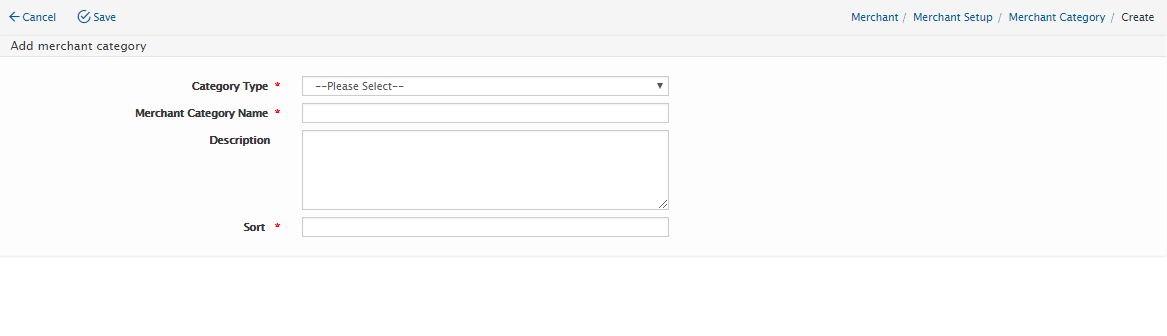
Users will need to enter the following details:
Field Name |
Mandatory |
Length |
Remarks |
Category Type |
Yes |
N/A |
Choose either Merchant or Product |
Merchant Category Name |
Yes |
N/A |
Name of Merchant Category |
Description |
No |
N/A |
Merchant Description |
Click on “Save” button to save the details or click on “Cancel” button to cancel the action and return to Merchant Category Listing page.
Created with the Personal Edition of HelpNDoc: Free Web Help generator