Editing a Product
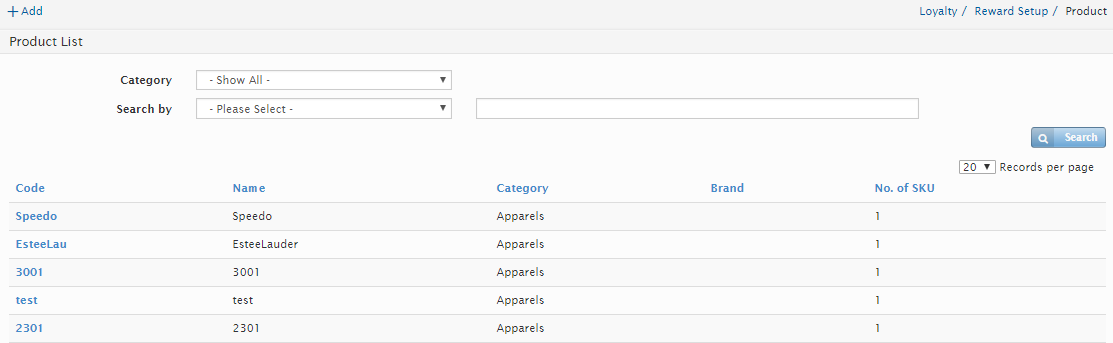
Users can edit a Product at this screen. Click on the first column in the Product listing page.
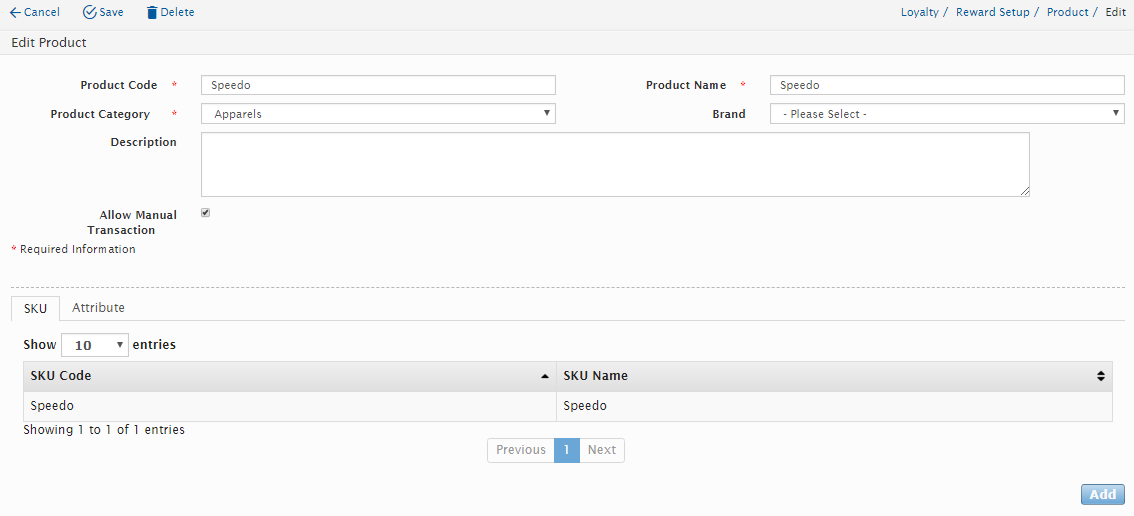
The Edit Product window will be displayed as above.
Users can edit any of the following details:
Field Name |
Mandatory |
Remarks |
Product Code |
Yes |
Users can change the Product Code |
Product Name |
Yes |
Users can change the Product Name |
Product Category |
Yes |
Users can select from the options in the drop-down box. |
Brand |
No |
Users can select from the options in the drop-down box. |
Description |
No |
Users can change the Description |
SKU tab |
No |
Users can change the necessary information under SKU Tab |
Attribute tab |
No |
Users can change the necessary information under Attribute Tab |
Click on the “Save” button to save the details or click on “Cancel” button to cancel the action and return to Product Listing page. Click on Delete button to delete the Product. If the Product is currently in used; the system will not allow the Product to be deleted.
Special Rule
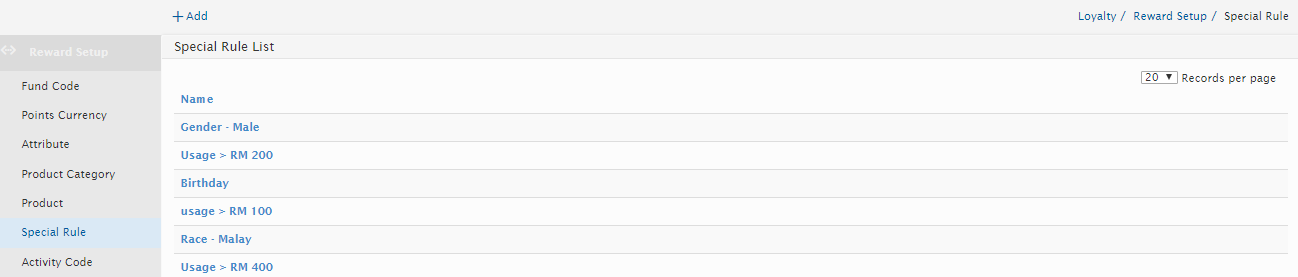
The Special Rule module allows users to create special activity rule query to be applied in the reward structure.
Created with the Personal Edition of HelpNDoc: News and information about help authoring tools and software